Meeting Minutes
on Goodnotes:
Why it is a Winner
Meeting Minutes on Goodnotes: Why it is a Winner
January 24, 2026

Hello, fellow note-takers ✨
If meetings leave you feeling a little scattered — pages of notes, half-remembered decisions, and action items hiding somewhere in the margins — you’re not alone. Meetings move fast, and capturing what actually matters can feel overwhelming.
The good news? Taking meeting minutes doesn’t have to be stressful. With a simple, well-designed meeting minutes template and an app like Goodnotes, you can turn meetings into clear, organized records you’ll actually want to refer back to.
Let’s walk through why meeting minutes matter, and how to take them easily and effectively on your iPad or tablet.
Why Taking Meeting Minutes Still Matters
Meeting minutes aren’t just a formality — they’re a practical tool for clarity and accountability. Well-kept minutes help you:
-
Record key discussions and decisions
-
Track action items and responsibilities
-
Keep everyone aligned after the meeting
-
Support team members who couldn’t attend
Instead of relying on memory (or a long email chain), clear meeting minutes create a shared reference point — and that alone can reduce confusion and follow-up meetings.
Getting Started
1. Choose the Right Meeting Minutes Template
The foundation of good meeting notes is a clear, structured template.
A well-designed meeting minutes template typically includes space for:
-
Date, time, and location
-
Attendees
-
Agenda items
-
Key discussion points
-
Decisions made
-
Action items with owners
Using a digital template in Goodnotes or Xodo means everything is already laid out for you. You’re not wasting time deciding where to write — you can focus on what matters.
This structure is especially helpful for recurring meetings or larger teams juggling multiple projects.
2. Prepare Before the Meeting Starts
A few minutes of preparation can make a big difference.
Before the meeting:
-
Fill in the date, attendees, and agenda
-
Open your template in advance
-
Set your pen, highlighter, or colors
This small step keeps you present during the meeting — instead of scrambling to catch up once it begins.
During the Meeting: Handy Note-Taking Tips
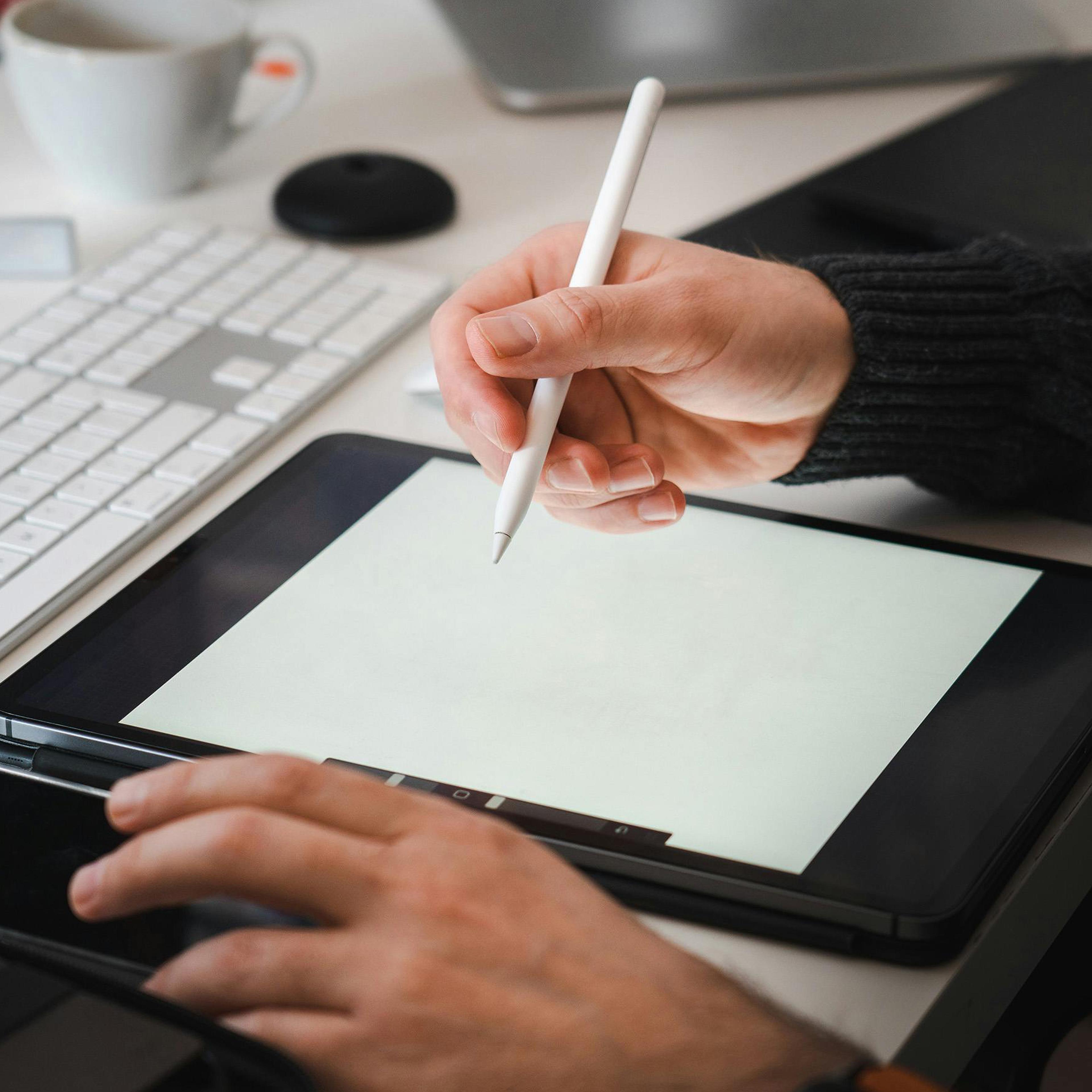
3. Use a Stylus for Handwritten Notes
If you’re using an Apple Pencil or stylus, lean into it.
Handwriting can help with focus and memory, and Goodnotes makes it even better by turning handwritten notes into searchable text later.
Sketch, underline, jot quick thoughts — it doesn’t have to be perfect. Clarity beats neatness.
4. Be Selective (You Don't Need to Write Everything)
It’s tempting to capture every word, but effective meeting minutes are selective by design.
Focus on:
-
Key points and outcomes
-
Decisions made
-
Clear action items
-
Who is responsible for what
If it doesn’t move the meeting forward or require follow-up, it probably doesn’t need to be written down.
5. Use Color and Highlights For Clarity
A little color goes a long way.
Using different colors for:
-
Decisions
-
Action items
-
Questions or follow-ups
…makes your notes easier to scan later, especially on a tablet or iPad. Goodnotes makes highlighting and color-coding quick and intuitive, without disrupting your flow.
After the Meeting: Turning Notes into Action
6. Review and Tidy Up Your Notes
Once the meeting ends, take a few minutes to review what you’ve written.
This is the moment to:
-
Clarify unclear points
-
Fill in small gaps
-
Adjust layout if needed
Because your notes are digital, reorganizing them in Goodnotes is easy — no rewriting required.
7. Share Your Meeting Minutes
When your notes are ready, share them promptly.
Goodnotes lets you export your meeting minutes as a PDF, making it simple to email or upload them to your team’s workspace. Sharing quickly keeps everyone aligned and reinforces trust and transparency.
Final Thoughts
Taking meeting minutes doesn’t have to feel like a chore.
With a clear template, a little preparation, and the flexibility of Goodnotes on your iPad, you can create meeting notes that are:
-
Easy to take
-
Easy to read
-
Easy to act on
Good meeting minutes support better meetings — and better teamwork. So grab your iPad, open your template, and make your next meeting feel smoother and more productive.
Download your FREE Meeting Minutes template here
YOU MAY ALSO LIKE...